
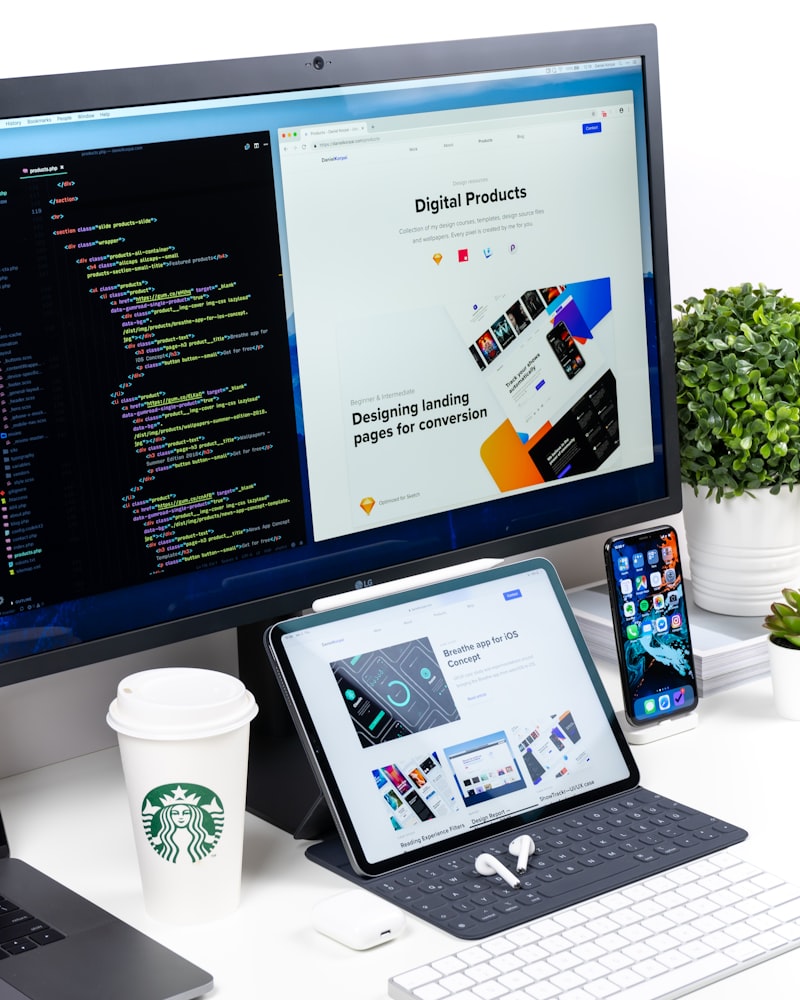
Mobile-first design is no longer optional. With the majority of web traffic in the GCC region coming from smartphones, your developer must prioritize mobile experiences from the start.
Quick Answer: Mobile-first design means designing for the smallest screen first, then scaling up for larger screens. Your developer should ensure touch-friendly navigation, fast loading on mobile networks, readable text, properly sized forms, and seamless functionality across all devices.
Over 70% of internet users in Qatar, UAE, and Saudi Arabia access the web primarily through mobile devices. Google uses mobile-first indexing, meaning it evaluates your site based on its mobile version for search rankings. If your developer builds for desktop first and treats mobile as an afterthought, your business will suffer in both user experience and search visibility.
Touch-friendly design is essential. Buttons and links must be large enough to tap with a finger, with adequate spacing between clickable elements. Forms should be easy to fill out on a small screen. Dropdown menus must work without hover states, since touch devices have no hover capability. Developers in Dubai and Doha who understand mobile UX principles design for touch from the beginning.
Mobile loading speed requires special attention. Mobile networks in some parts of the GCC may be slower than wired connections. Your developer should optimize images, minimize code, use browser caching, and implement lazy loading. Fast mobile loading keeps users engaged and improves conversion rates.
Responsive layouts must adapt gracefully. Content should reflow naturally across different screen sizes. Text should be readable without zooming. Tables and multi-column layouts should transform into mobile-friendly single-column presentations. Louis Innovations tests all designs on multiple real devices before launch.
Prioritize mobile-friendly navigation. Complex mega-menus that work well on desktop are frustrating on mobile. Implement hamburger menus, bottom navigation bars, or collapsible accordion menus. The navigation structure should make sense on the smallest screen first.
Consider mobile-specific features. Click-to-call buttons, location-aware content, and simplified checkout flows improve mobile user experience. Businesses in Kuwait and Bahrain that cater to mobile users see higher engagement and conversion rates from their websites.